
FlowLens
Bug reports built for coding agents, so you can ship faster.
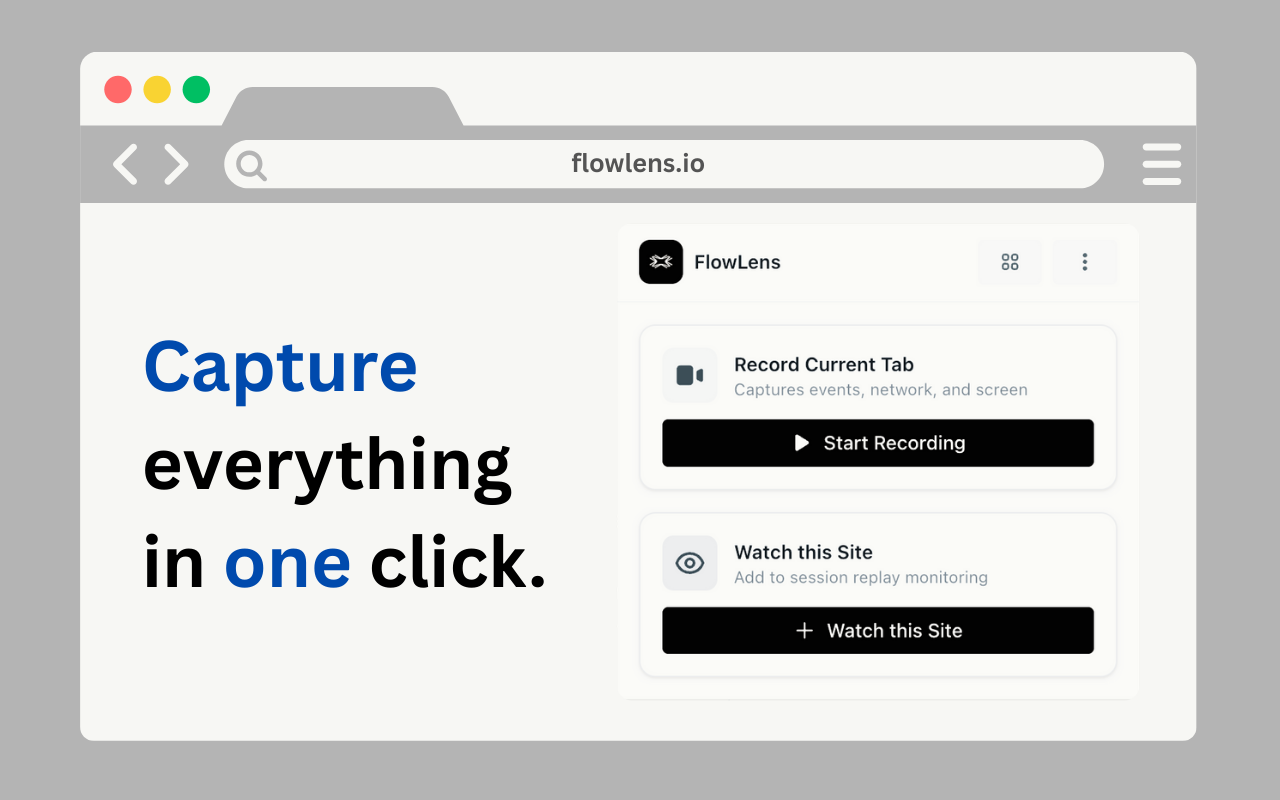
FlowLens makes sharing web-app bugs with your coding agents ridiculously easy. No more praying your agent can reproduce an issue, or dumping console logs and screenshots into chat. Just click once in the Chrome extension and FlowLens captures everything automatically. Your coding agent gets rich, ready-to-use context through the open-source MCP server. All while keeping token usage super efficient.
Reviews

The extension is unobtrusive and fast. Click icon, everything is captured, shareable link generated instantly. The captured data viewer is well-organized.

Instant shareable link generation is so convenient. Just paste it into your AI chat.

Thanks! The viewer organization took work - wanted to make it easy to scan through captured data.

The capture works great most of the time but occasionally misses network requests if they happen right as you click capture. Maybe needs a small delay buffer.

Clean extension design. The capture process is fast and the generated shareable link makes it easy to paste into Claude/Cursor.
Thanks! The shareable link format makes it super easy to paste into Claude or Cursor chats.
Really useful for AI-assisted debugging. The context capture is comprehensive - saves a ton of manual copy-pasting.
Glad it's saving you time on the manual copy-pasting! That was the pain point we wanted to solve.
Great tool! Would be cool if it could capture video of the bug happening in addition to the state/logs.

This solves a real pain point! Before FlowLens I'd spend minutes copying console errors, taking screenshots, describing the user flow to my AI agent. Now it's one click and the agent has everything - page state, errors, network activity. Used it to debug 12 issues this week and the AI fixed them all in one shot because it had perfect context. This is essential for any developer using AI coding assistants! ✨
12 issues debugged this week with perfect context! That's the efficiency gain we hoped for. Thanks for using FlowLens!

Essential for AI coding assistants is right. This should be default for anyone using Claude/Cursor.

One-shot bug fixes because of perfect context is the dream. No more "can you send me the console log" back and forth.

This is a game-changer for working with Claude and Cursor! Instead of manually copying console errors, network requests, and taking screenshots, I just click the FlowLens extension and it captures everything instantly. Shared a complex React bug with Claude and it had all the context needed - component state, console logs, network timeline. Fixed the bug in one response. This saves me probably 5 minutes per bug report. For $8/month this is incredible value for developers using AI coding agents! 🚀
Thank you! 5 minutes saved per bug adds up fast. Love that you're using it with Claude - the comprehensive context really helps the AI understand issues!

One-click context capture for React bugs is huge! No more copying state trees manually.
Fantastic extension for AI-assisted development! I use Claude extensively and FlowLens makes bug reporting effortless. The captured context includes everything the AI needs - DOM elements, console output, network timing. This has dramatically improved the quality of bug fixes from my AI agent. No more back-and-forth asking for more information. Just click, share, get fix. Worth every penny! 🔥
Working with Claude for complex SaaS debugging is a perfect use case! DOM elements, console, network timing - the full picture. Thanks!

Love the automatic context capture! Would be great if it also captured local storage and session storage state - that would help with auth-related bugs.

Solid debugging tool. The automatic capture is way better than manually gathering context for AI agents.
Product designer & developer
Reviewers earn credits for providing high-quality feedback.