MacGlow
Sync brightness across Mac and all Monitors
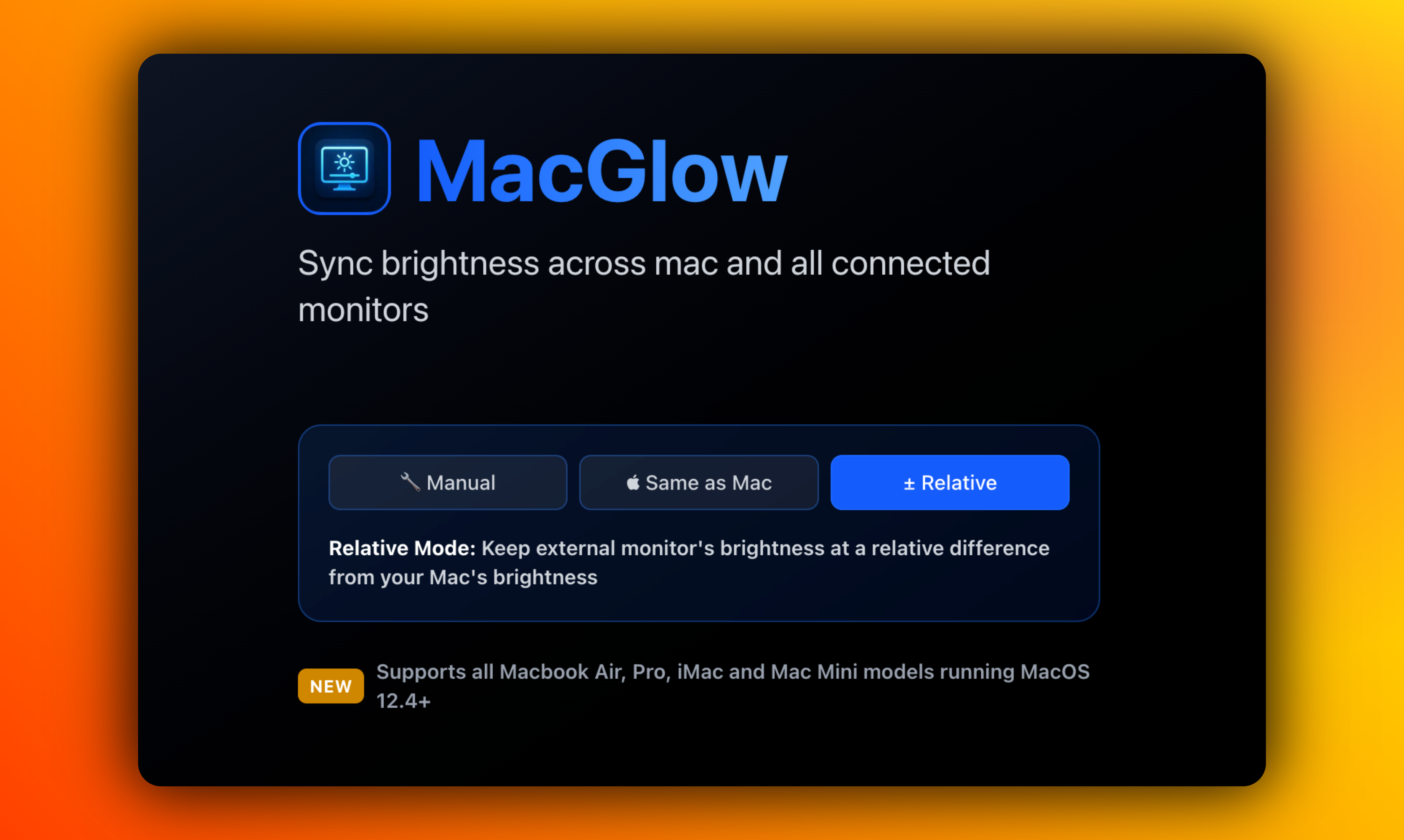
MacOS app to sync brightness across your Mac and all connected Monitors. Supports every Macbook Air, Pro, iMac and Mac Mini models ever released running MacOS 12.4 and above.
Reviews
Does what it says on the tin. Brightness syncing works across my Mac Mini and external monitors. The app is lightweight and doesn't bog down my system. A few times I've noticed the sync gets out of whack after waking from sleep, but closing and reopening the app fixes it. Good utility for the price.
Exactly what I needed for my home office setup! The brightness syncing works great and it's nice to have something that just runs quietly without needing constant attention. Highly recommend for multi-monitor Mac users 👍
Works well overall. The brightness syncing is reliable across my iMac 27" and two external monitors. I did have to restart the app once after a MacOS update, but it's been stable since then. Would give 5 stars if it had a menu bar indicator showing sync status, but it's still a very useful tool.
This app is brilliant. I've been struggling with mismatched brightness between my MacBook Air and my Samsung monitor for months. MacGlow fixed it immediately. The sync is reliable and I haven't had a single crash or issue since installing it two months ago.
MacGlow solves a real problem with multi-monitor setups and generally works great with my MacBook Air M1 and HP monitor. The brightness syncing is smooth during regular use. However, I've experienced an issue where the sync occasionally stops working after my Mac wakes from sleep - I have to quit and restart the app to get it going again. This happens maybe once every few days. Also, I'd love to see support for independent brightness curves per monitor since my external display is much brighter than my laptop screen at the same percentage. Still worth using despite these quirks.
The sleep/wake issue is a real one - I've reported this too. Usually takes 2-3 restarts before it kicks in again for me, which is annoying during long editing sessions. Your point about independent brightness curves is exactly right though. My MacBook Air is significantly dimmer than my HP at the same brightness percentage.
The concept is great and MacGlow does sync brightness across my displays, but the execution needs some refinement. I'm using it with an iMac and two LG monitors for video editing work. The syncing works, but it's not always proportional - sometimes my external monitors end up too bright or too dim compared to my iMac's screen. I've also noticed it doesn't remember my preferences after a restart. It's usable, but I expected more polish. Adding per-display brightness offsets and better calibration options would make this a 5-star app. For now, it's just okay.
The proportional syncing issue you mentioned is interesting - I wonder if it's related to the LG monitors having different gamma settings? Also experiencing the preferences reset after restart, which is definitely frustrating. Hoping the next update addresses these polish issues because the core concept works really well.
Video editing setup here too with mixed monitors. I've had better luck after recalibrating my LG monitors in System Preferences - might be worth trying if you haven't already? Per-display offsets would definitely be a game-changer though. Right now I'm just tweaking monitor settings independently as a workaround.
Pretty good app for syncing brightness. I use it with my MacBook Pro and an ASUS monitor. The sync happens smoothly most of the time, though occasionally there's a slight delay of 2-3 seconds. Not a dealbreaker, but noticeable. The setup was easy and it integrates well with MacOS. I'd recommend it, especially if you're tired of manually adjusting multiple displays.

Thanks for the feedback! We appreciate you noting the occasional 2-3 second delays - we're actively working on optimization for ASUS and other non-Apple displays. The MacOS integration piece was something we spent a lot of time perfecting, so glad that's working smoothly for you. Have you noticed if the delays happen at specific brightness ranges or with certain monitor types?
Finally solved my dual monitor brightness problem! I've got a MacBook Pro connected to an LG UltraFine and the brightness sync works perfectly. No more manually adjusting both screens when the lighting changes in my office. Simple, effective, does exactly what it promises.
As a photographer, color consistency across my displays is crucial. MacGlow keeps my MacBook Pro 16" and two external monitors at matching brightness levels, which makes culling and editing so much easier. The fact that it supports MacOS 12.4+ means it works flawlessly on my M1 setup. I did notice it takes about 1-2 seconds to sync when I make large brightness jumps, but that's barely noticeable. Would love to see per-monitor brightness offset controls in a future update for fine-tuning, but honestly it's already excellent as-is.
The photographer's perspective here is spot on. I've been using MacGlow for color work too and those 1-2 second syncs are honestly not a problem at all compared to the time saved manually adjusting. The per-monitor offset idea is great though - would definitely help with displays that have different brightness characteristics.
Creating products people love ❤️
Reviewers earn credits for providing high-quality feedback.