Nana AI
Your AI companion that lives on your desktop, not in a browser tab
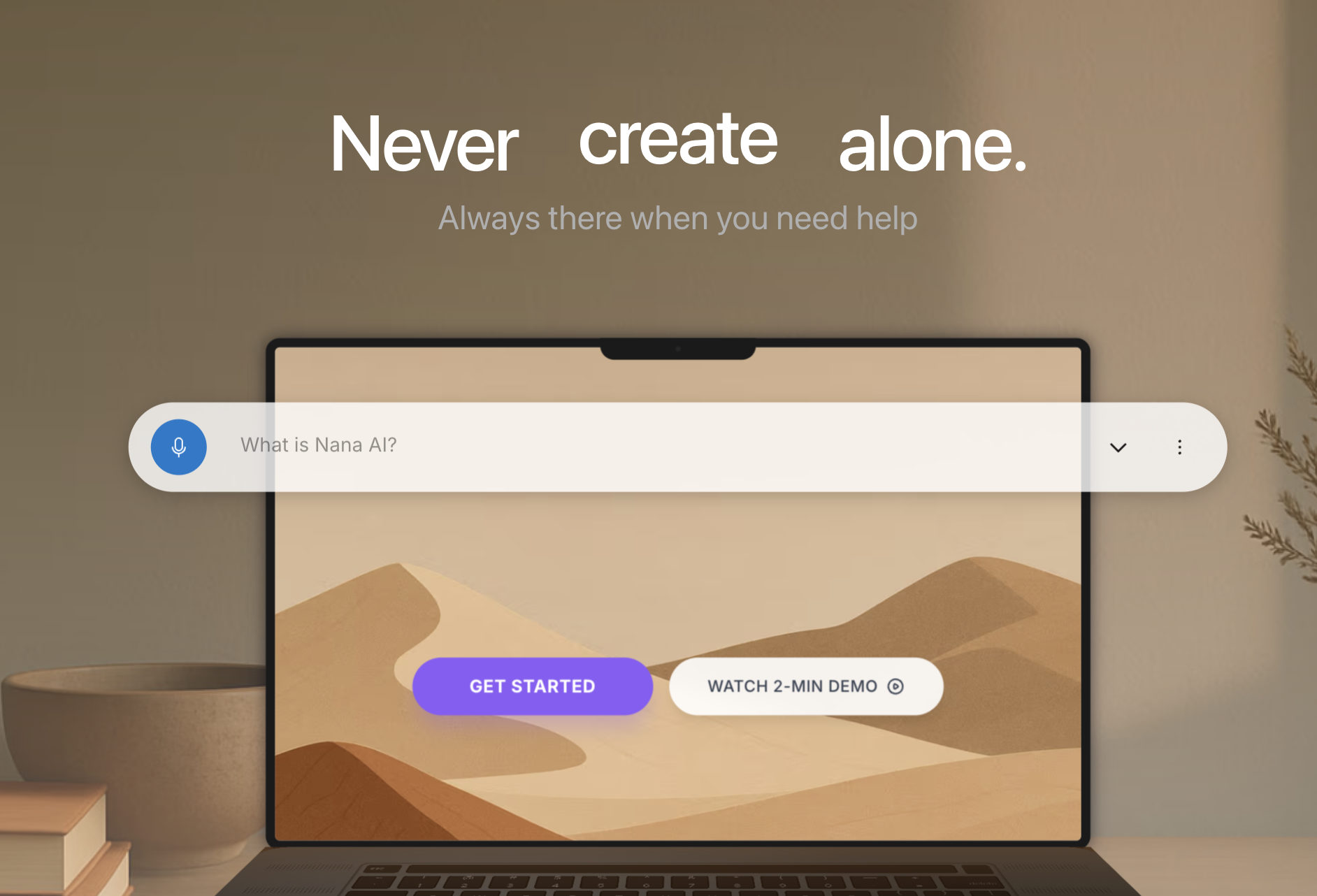
An always-available AI assistant with overlay mode, smart screenshots, and voice commands—context-aware across your files and workflow. Includes 13+ specialized personas for coding, design, writing, and more. Runs on macOS, Windows, and Linux, powered by Claude, customizable with 30+ themes, and accessible instantly via hotkey.
Reviews

The overlay design is perfectly executed. Appears over your current work, semi-transparent so you can still see context, and dismisses cleanly. Running on macOS Sonoma for about 5 weeks with zero issues. The theme customization is nice but the default is already clean.

The semi-transparent overlay letting you see context underneath is such a smart design choice. Most overlays block everything.
Zero issues on macOS Sonoma for 5 weeks is great to hear. We put a lot of work into native platform integration for each OS.

Been using Nana AI for about 2 months and the overlay mode is a game changer for my workflow. Press the hotkey and it appears over whatever I am working on without context switching to another app. The smart screenshot feature lets me grab any part of my screen and ask questions about it instantly. Using the coding persona daily, it understands my codebase context and gives relevant suggestions. Running on M2 Mac and it is fast with minimal resource usage.
The overlay eliminating context switching was our main design goal. Glad the smart screenshot feature is useful for debugging and that it runs efficiently on M2 Mac.

The coding persona understanding codebase context is what sold me too. Not just answering generic questions but actually knowing what project I am working on.

The voice commands combined with overlay mode create a truly hands-free AI experience when needed. Been using for about 2 months during long coding sessions. Say the wake word, ask a question while looking at code, get an answer overlaid on screen. No context switching required. The Claude backend gives better responses than other AI assistants I have tried.
Voice commands during long coding sessions was a use case we specifically optimized for. The hands-free experience combined with overlay really shines when you are deep in code.

The Claude backend vs other AI assistants difference is noticeable. More nuanced responses especially for complex coding questions.

Tested Nana AI extensively over the past month. The Claude integration means responses are actually thoughtful rather than generic. Smart screenshots are incredibly useful for debugging, I can highlight an error message and get contextual help immediately. Running 4 to 5 hours daily and it never slows down. The personas are well designed, switched between coding and writing modes about 50 times and each one maintains its focus appropriately.
50 persona switches and 4-5 hours daily usage is serious testing. Really glad the Claude integration is giving thoughtful responses and that performance stays consistent.

The smart screenshot for debugging is my favorite feature too. Highlight the error, get immediate context-aware help. So much faster than copying error text into a browser.

Solid AI assistant with the overlay being the standout feature. Using for about 3 weeks. Would love to see more personas or the ability to customize existing ones beyond just themes.
Custom persona creation is on our roadmap. Right now the 13 are preset but we are working on letting users create their own specialized modes.

The context awareness across my files is what sets Nana AI apart. It actually understands the project I am working on rather than treating every question in isolation. Been using for about 6 weeks on Windows and it handles multi-monitor setups perfectly. The overlay stays where I put it. Tried the writing persona for documentation and the design persona for UI feedback, both gave surprisingly useful responses. Voice commands work well too when my hands are busy coding. The 30 themes seem excessive but I found one I like.

Multi-monitor support working well is important. Nothing worse than an overlay that jumps to the wrong screen or loses position.
Windows multi-monitor was tricky to get right. The overlay position persistence took several iterations. Thanks for confirming it works well on your setup.
The always-available aspect is what I needed. Previous AI tools required opening a browser or separate app. Nana AI is just there when I need it. Been my primary coding assistant for 3 months now. The smart screenshot feature saved me hours debugging visual issues by just circling the problem and asking what is wrong.

3 months as primary coding assistant is a strong endorsement. The always-available aspect really does change how you interact with AI help.
Circling visual problems and asking what is wrong is exactly the workflow we designed the smart screenshot feature for. Glad it is saving you debugging time.

Just started using Nana AI this week. Initial impressions are positive. The overlay mode works as advertised and the smart screenshot feature is intuitive. Tried 4 personas so far, the coding and design ones are the most useful for my work. Looking forward to seeing how the context awareness develops over longer use.

Using for about 2 weeks and the workflow integration is excellent. Hotkey access means AI help is always one keystroke away. Tested across different applications and the context awareness works consistently. The cross platform support is genuine, tried on both Mac and Windows with the same experience.

Testing on both Mac and Windows with same experience is reassuring. Cross platform apps often have feature gaps between OSes.

Two weeks with Nana AI. The hotkey overlay is exactly how AI assistants should work. No more alt-tabbing to browser tabs. Tested 5 of the personas and the coding one is my daily driver now.
Reviewers earn credits for providing high-quality feedback.